Hey Google!
Read time:
6 min
Company:
Industry:
Tech
Start: Sept. 2022
End: Apr. 2023
Duration:
9 months
Google selected four UX students from the University of Michigan for a nine-month research and design project on Google Assistant. We worked directly with a Google Assistant team as our partner. The brief was open: figure out why college students were choosing Siri over Google Assistant, and design something about it.
We surveyed and interviewed 50+ students and kept hearing the same thing. Every student used Canvas daily. Every student found it frustrating. No voice assistant had built into it. I led the design of a Canvas integration for Google Assistant, and after testing the prototype, student interest doubled.
My Role
One of four students working with a Google UX partner team. I led the design work and made most of the design decisions: sketches, wireframes, the high-fidelity Figma prototype, and the conversational flow for each Canvas integration. On research, I led the competitive analysis with input from my teammates, distributed the 50+ student survey, conducted several of the interviews, and worked on affinity mapping with the team. My teammates wrote the survey and interview questions.
Problem
College students were using Google Assistant far less than career professionals, and were choosing Siri over Google Assistant. The question we set out to answer was simple: how can Google Assistant better fit the lives of college students and attract more college users?
Graphic is not exact to market share and is for illustrative purposes only.
Research
Five research methods across 50+ students to understand how Google Assistant could fit into student life.


Click any phase to explore
Solution
Because we were designing for Google Assistant, the visual and interaction work had to live inside Google's existing design language. I created a style guide based on the Google design resources available to us, pulling together the components, type, and color we'd use for the prototype. That kept us anchored to what students were already seeing in Google products and let the team focus on the conversational flow and the integrations themselves, instead of getting pulled into typography or color decisions every time we drew a new screen.
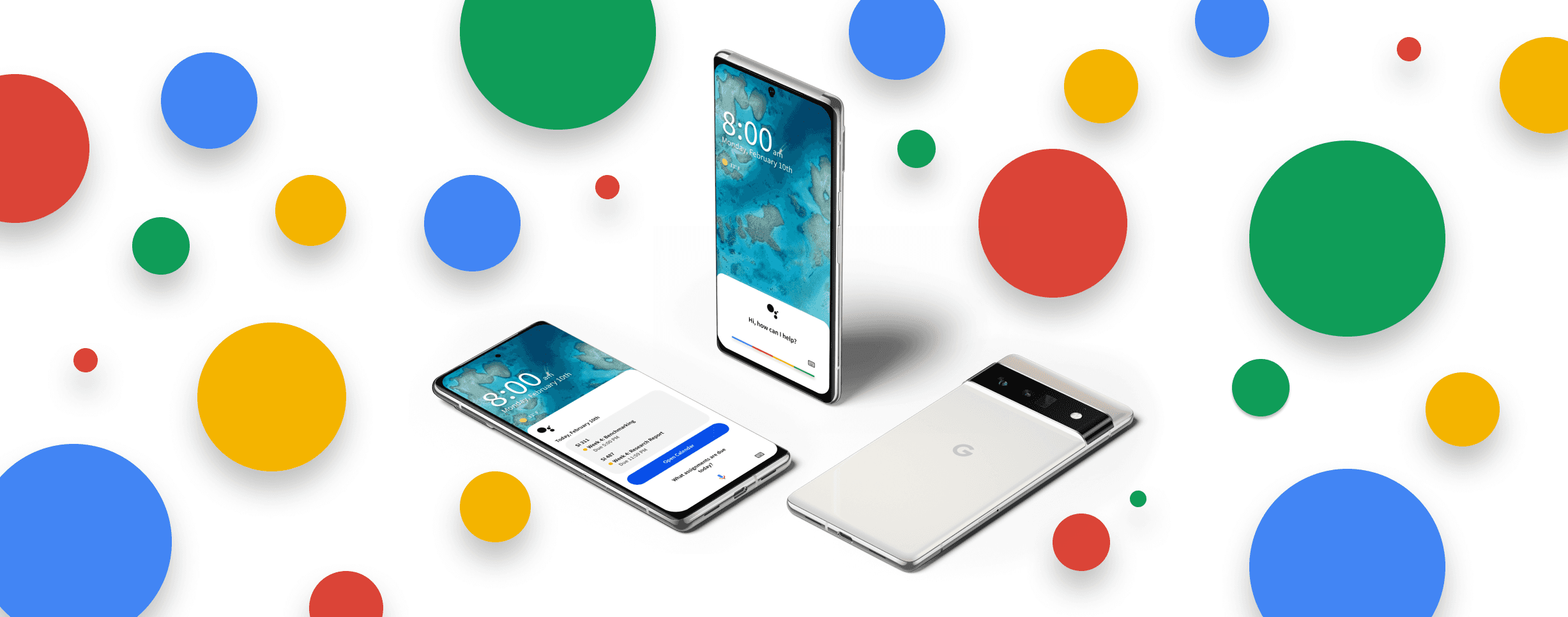
The solution centered on four Canvas integrations: checking assignments due today, checking assignments this week, sending an absence email to a professor, and setting a daily reminder.
Every student we spoke to used Canvas daily but found its notification system unreliable. None of the competitors, not Siri, not Alexa, had tapped into it. That was the opening. Integrating Canvas gave Google Assistant a unique edge and gave students a real reason to use it.
From rough sketches to a high-fidelity prototypes.
Click a step to explore
Four Canvas integration scenarios sketched out by hand, each exploring a different high-frequency student use case identified through research.

Outcome
After testing the prototype with students, interest in Google Assistant rose from 4/10 to 8/10. Canvas was the thing that worked. Students opened it every day, knew it was broken, and no competitor had touched it. The prototype made the value real to them in one session. What I took from the project: the insight didn't come from what students complained about, it came from how we asked. Canvas only surfaced when we specifically asked what tools they used every day.
"If the assistant could connect to Canvas, I would say that will be helpful."
University of Michigan Student