Dream Design System
Read time:
6 min
Company:
United Wholesale Mortgage
Industry:
Mortgage
Start: Jan. 2024
End: Ongoing
Duration:
2 years, 2 months (ongoing)
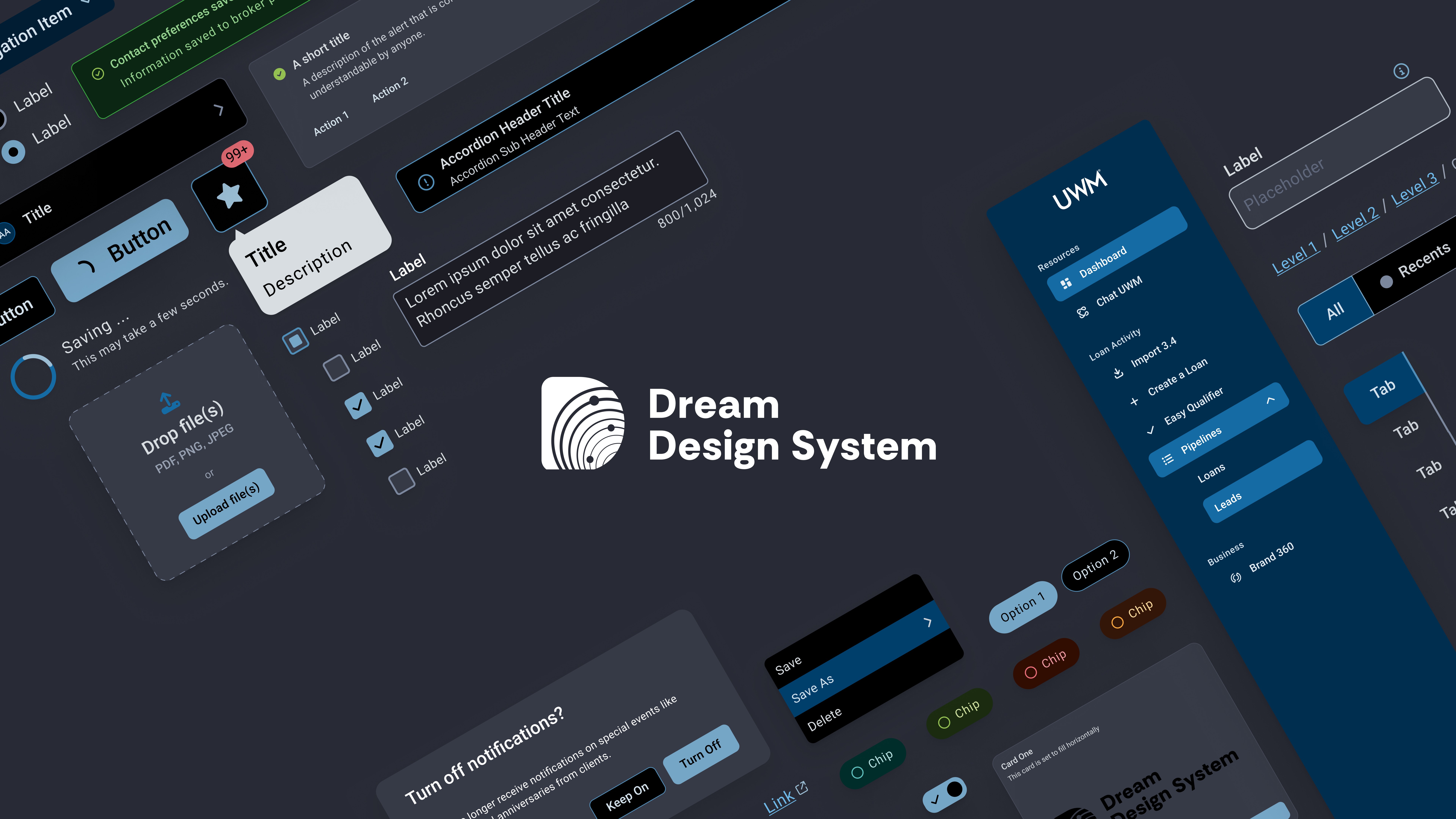
UWM had no unified design system. Designers and developers were working from inconsistent patterns, duplicating work, and shipping products that felt different across every team. I joined a small designer-developer team to build Dream, UWM's first design system, and I've spent the last two years working at the seam between design and engineering: implementing components from Figma, pushing back on design decisions that didn't hold up, and helping the system land with the teams that had to use it.
My Role
One of a small designer-developer team building Dream from the ground up. I developed 30+ of the system's 60+ components from Figma specifications. The handoff wasn't one-way: designers and I worked closely on each component, and when a spec didn't hold up under real-world cases (states, edge cases, accessibility), I flagged it and we worked through the fix together. Several components shipped with design changes that started as my pushback.
I contributed to the Figma guidelines file alongside the designers, fielded 100+ support requests from product teams adopting Dream, and partnered with the A11Y team to audit every component against WCAG 2.1 AA. I also helped lead a multi-week support campaign for Dream, presenting to UWM's CTO, CMO, and VPs to build alignment across the organization. I later presented the system and the benefits of using it to the broader organization at a UWM All-IT meeting."
Problem
Without a shared foundation, UWM's digital products lacked consistency. Designers and developers worked from different sources of truth, teams solved the same problems independently, and accessibility had no formal standard. The result was duplicated effort, slower delivery, and a fragmented experience for the users navigating across those products. Dream was built to solve all of it.
Process
Agile, iterative, and never truly finished.
Solution
Component Library
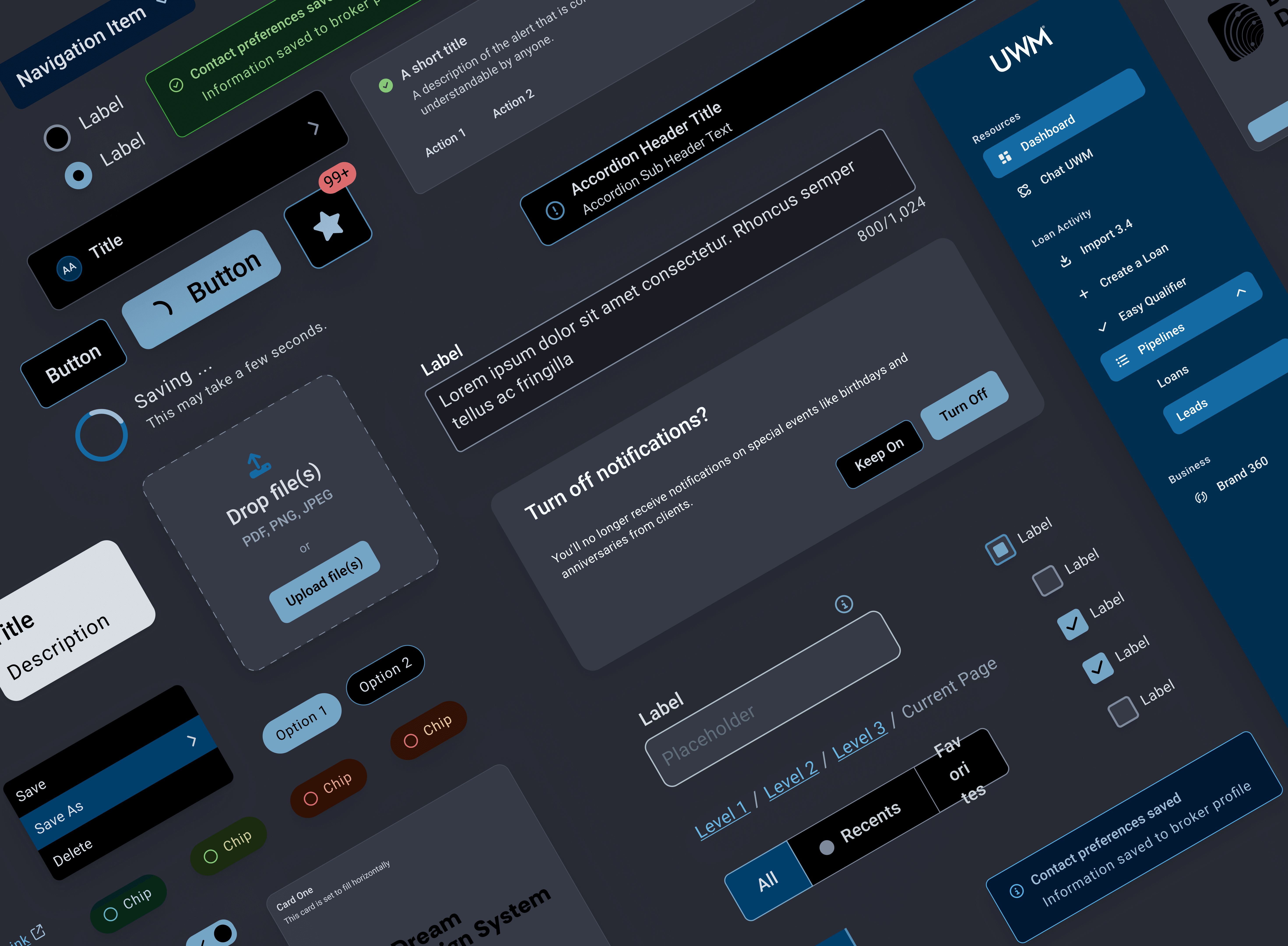
At the core of Dream is a library of 60+ reusable UI components built from Figma specifications, with the implementation done in React, TypeScript, MUI, and Storybook. Each component went through a design-and-development loop: a spec from the design team, an implementation pass, a review against real-world states and edge cases, and a final shared decision on what landed. I developed 30+ of the 60+ components and was part of those decisions on each one.
Design Tokens and Theming
Dream was built around a token architecture covering color, typography, and spacing. The system supported multiple themes, with distinct token sets for different product suites, each offering light and dark modes, creating a shared design language that scaled across a diverse product ecosystem.
One of those design directions came from me: I argued for splitting themes by internal-facing versus external-facing product lines. UWM employees move between admin tools and customer-facing products all day, and a distinct visual language between the two would tell them at a glance which environment they were in. The design leads ran with the idea, and the multi-suite theming structure became one of the foundations of how Dream scales.
Token Architecture
Primitives hold raw values. Semantics reference primitives and switch per theme. Colors and styles used in example below are not reflective of Dream Design System.
Select theme to explore effects:
Semantics reference primitives. Switching themes rewires the reference, not the primitive.
The colors, tokens, and styles shown here are illustrative examples only and are not reflective of the Dream design system.
Documentation
Storybook gave developers interactive component previews and code examples in a tool that fit naturally into their workflow. A Figma guidelines file, which I contributed to alongside the designers, gave designers component specs, usage rules, and design rationale in theirs. Both audiences had the documentation they needed without having to work in an unfamiliar tool.
Button
A versatile button component supporting multiple variants, sizes, and states. Built to WCAG 2.1 AA accessibility standards and available across all product suites.
Usage
<Button variant="Primary" size="md" />
Preview
Props
This is an illustrative mockup and is not reflective of the Dream design system.
Support Infrastructure
A dedicated Microsoft Teams channel gave consumers a direct line for urgent requests and questions. An Airtable feedback form allowed teams to submit suggestions and new component ideas on their own time. Together these two channels ensured no one was left without a path to get help or contribute to the system.
Real-Time Support
Two dedicated channels ensured every team had a path to get help or contribute to Dream.
A dedicated channel for urgent requests, bug reports, and real-time help. Teams could reach the design system directly and get a fast response.
A structured form where teams could submit new component ideas, improvements, and suggestions on their own time. Responses fed directly into the backlog.
Contribution Model
Clear contribution guidelines gave teams across UWM a path to propose, build, and submit new components to Dream, allowing the broader organization to participate in the system rather than work around it.
Propose. Build. Review. Merge.
A clear four step process so any team could contribute to Dream rather than work around it.
Submit a new component idea via the Airtable request form with a use case and priority.
Approved proposals are developed against Figma specs with React, TypeScript, MUI, and Storybook.
Components are reviewed for design accuracy, accessibility standards, and code quality.
Approved components are merged into Dream, versioned via SemVer, and released with change logs.
Outcome
From zero to a shared foundation trusted by the entire organization.
"This is the most inspiring project I've seen on this stage."
AVP — UWM All IT Meeting